Direct Answer
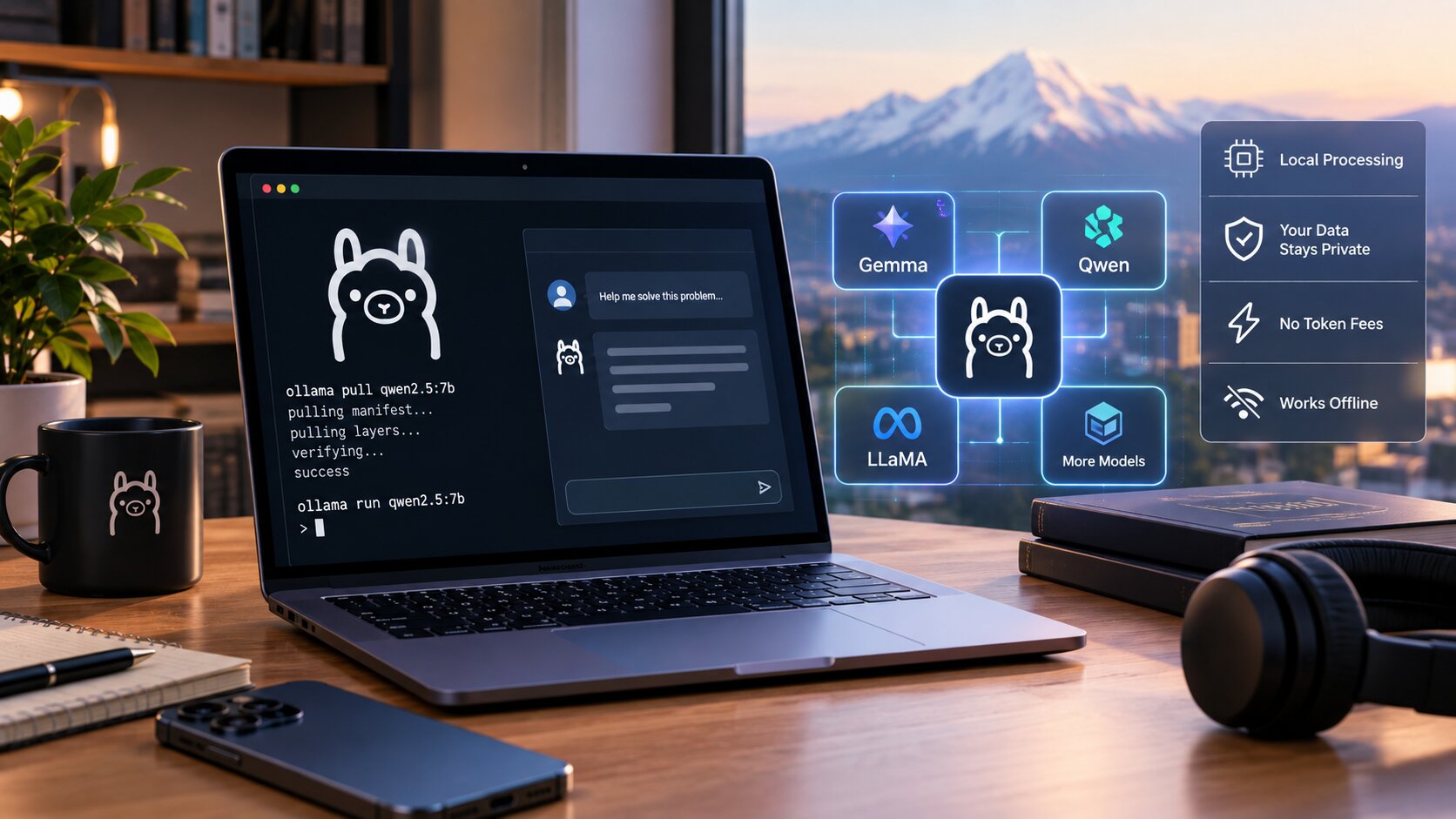
You can run local AI models with Ollama by installing Ollama, pulling an open-weight model, and sending prompts to the local runtime or its REST API. Ollama handles model downloads, quantized variants, and local serving so developers can test private AI workflows without relying entirely on cloud inference.
For developers, the appeal is direct control: one local runtime, a simple command line, and an API that can be called from scripts, prototypes, and internal tools.
Why Local AI Is Getting More Attention
Cloud AI is useful, but it can bring token costs, network latency, data-handling concerns, and limits on experimentation. Running local AI models with Ollama gives individuals and teams a way to test ideas locally before deciding what belongs in the cloud.
The local approach also makes AI easier to combine with private notes, draft documents, code snippets, and prototype tools. The tradeoff is that model quality, speed, and context capacity depend on the computer doing the work.
Key Takeaways
- Ollama installs a local runtime for open-weight AI models.
- Models can be pulled by name and run from the command line.
- The local service exposes an API for scripts and apps.
- Running models locally can reduce cloud dependence and improve privacy.
- Hardware still matters for speed, model size, and response quality.
- Smaller quantized models are often better for everyday laptops.
- Local AI is strongest for drafting, summarizing, coding support, and experiments.
- Cloud models may still be better for the largest reasoning or multimodal tasks.
- Teams should test performance before building around a local model.
- Model updates and storage planning should be part of the workflow.
- A local API makes Ollama useful beyond one-off chat sessions.
How to Set Up Ollama for Local Models
1. Install the runtime
Start by installing Ollama on the target machine. Once installed, the runtime can download, manage, and serve models locally without requiring a separate model server setup.
2. Choose a model that fits the machine
When testing local AI models with Ollama, choose a model size that fits available memory and expected response speed. Large models may produce better answers, but smaller quantized models often feel faster and more usable on everyday hardware.
Related Reading: What Is the Mac Studio M5 Performance Level?
3. Pull and run the model
Ollama uses simple pull and run commands. After a model is downloaded, prompts can be tested from the terminal before the model is connected to an app, editor, or automation.
4. Use the local API
One of Ollama’s most useful features is local API access. Tools can send prompts to the local server, receive responses, and keep workflows on-device instead of routing everything to a hosted API.
5. Test quality before relying on it
Local models are not all-purpose replacements for every cloud model. Test the model against real prompts, private documents, coding tasks, and expected response length before deciding where it fits.
Best Use Cases for Ollama
- Private document summaries and drafting.
- Local code explanations and quick refactors.
- Prototype chat interfaces and internal tools.
- Offline experiments and prompt testing.
- Comparing open-weight models before cloud deployment.
Common Mistakes to Avoid
Choosing a model that is too large
A model that is too heavy can feel unusable even if it technically runs. Start smaller, then move up only when quality demands it.
Assuming local always means better
Local AI improves control, but cloud tools may still win for speed, scale, tool integrations, or advanced reasoning. The best workflow may use both.
Skipping security basics
Even local tools deserve access controls and thoughtful data handling. If a local API is exposed beyond the machine, treat it like any other service endpoint.
Frequently Asked Questions
Can Ollama run without the internet?
After the model is downloaded, many local prompts can run without constant internet access. Downloads, updates, and some integrations still require a connection.
Do you need a powerful computer?
Not always. Smaller models can run on consumer laptops, but larger models need more memory and stronger hardware for comfortable performance.
Is Ollama only for developers?
No. Developers benefit from the API, but writers, analysts, researchers, and teams can also use local AI models with Ollama for private drafting and testing.
Bottom Line
The best reason to use local AI models with Ollama is control. Ollama makes it practical to test open models locally, protect sensitive prompts, reduce cloud dependence, and decide which AI workloads actually need hosted infrastructure.
Source: MindStudio. Read the original article.
Related reading on techbland.com: How Did OpenAI Hit a $1B Ad Revenue Run Rate?; Which Technology Trends in 2026 Drive Business Growth?.