Tag: smartphone

  • How To Protect Your iPhone From Hackers

    How To Protect Your iPhone From Hackers

    The iPhone wins the battle of security compared to Androids. But that doesn’t mean you should relax. Hackers want your expensive phone, and they want the data on it even more. In many countries, owning an iPhone is a sign of prestige. They think if someone’s wealthy enough to own one, they probably have more money in their bank account. Here are the tips you need to protect your iPhone from hackers.

    Only Use Your Own Charger

    Restaurants, coffee shops, and landmarks often have chargers sitting around. Since a lot of people pass by, this is a great initiative to give your phone a small boost in power so you can be on your way. Well, hackers look at it from a different perspective. They hijack chargers and use them to access data. When you’re out and about, it’s best to carry your own charger or a power bank. If not, wait until you get home.
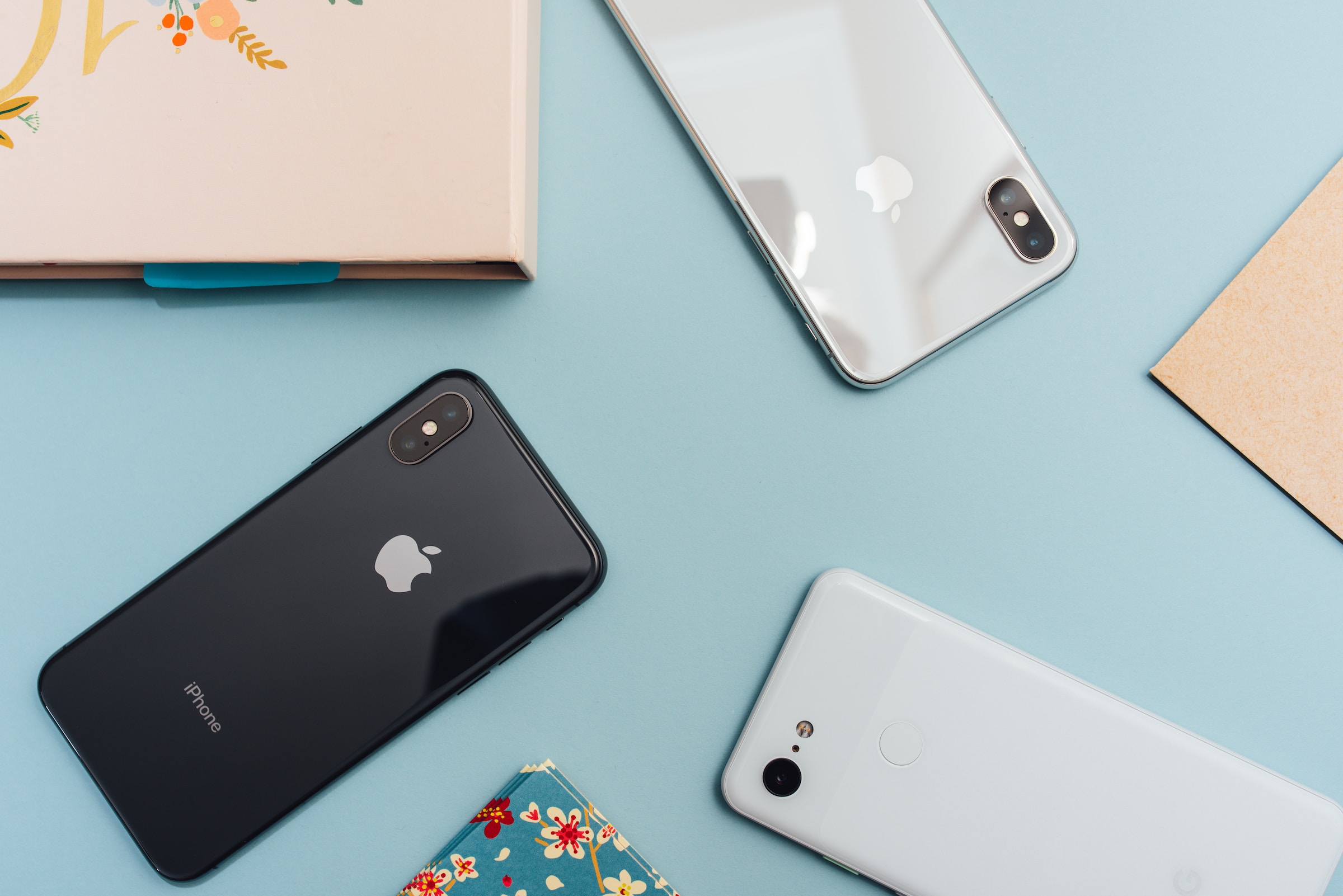
    iPhone

    Don’t Open Email And Text Links

    Spam and scam emails try to trick you into clicking on a malicious link. By default, don’t click on links in an email. And if you do, never insert your email and password into the login page. Hackers will send you all types of emails. They’ll send emails that say somebody tried to log in or tried to change your password or 99% discounts on brands you already use. Don’t trust them.

    Don’t Use Siri

    Siri was used to hack iPhones using ultrasonic waves. They can access messages and make fraud calls using AI, mimicking your voice. They can call your family, friends, and coworkers and pretend you’ve been in an accident and ask for money. Go to your Settings panel and disable Siri completely. You might be used to asking this personal assistant to do all sorts of things for you. But it’s better to toggle it off for security reasons.

    Use A VPN

    What is VPN on iPhone? Most people are familiar with VPNs on computers because they mask your IP and encrypt your data. Well, the same thing works on your phone. Virtual private networks protect your privacy online and allow you to connect to public networks without worrying.

    Don’t connect to free Wi-Fi if you don’t have a VPN. Use mobile data instead. Hackers are waiting for unsuspecting victims to target with man-in-the-middle attacks on public networks. Before you connect, enable your VPN.

    Lock Your Screen Completely

    To enhance your security, you have to tinker with the Settings for a while. One of the things you must disable is lock screen access. By default, notifications, calls, smart home controls, and messages will show up on your locked screen. Disable every option to show up on your lock screen, or at least disable the previews if you want to see where the notification came from. As an added bonus, keep your phone to yourself to avoid visual hacking.

    Disable Location Tracking

    Allowing Google Maps to track your location when you’re visiting an unknown neighborhood or another country is absolutely essential. But you don’t need every app to do so. By default, phones allow apps to track your location without a specific need for it. Why would you like a game to know where you are at the moment?

    Change this setting and review access for every single app. You’ll be surprised by all of the apps that want to see where you are. Turn off the setting for everything that doesn’t make sense to you. Or, go one step above it and disable it for all of them.

    Don’t Jailbreak

    There’s a reason why it’s so hard for applications to make it to the App Store. There’s rigorous testing to make sure no malware gets planted. Many people want to take customization to the next level and jailbreak their phones to install apps from third-party sources. Well, that’s just asking for a breach to happen.

    As soon as you jailbreak your phone, your warranty becomes redundant. Hackers will use every tactic in their book to make you think you can install a useful app through a source that’s not the App Store. Don’t buy their lies, and never jailbreak your phone.
    iPhone password

    Make Stronger Passwords

    It’s common knowledge that you need strong passwords with special characters, uppercase, lowercase, and numbers. But the first line of defense on every iPhone is the passcode. Most people have 4 to 8 numbers to unlock their phone, and it’s a tap scheme. You remember how to move your fingers more than the numbers themselves.

    Well, you can make it even more complex and add an alphanumeric code that’s the same as a password. Again, make sure you remember it because you’ll be using it often.

    Don’t Use Password Autofill

    First, you make a stronger password for every account, and then you disable autofill. What’s next? Take a cold shower and walk through the fire? All jokes aside, there’s a reason why you should not use autofill. If someone steals your phone and everything’s logged in, they can use it without any issues.

    When it comes to autofill, it’s either convenience or security. You can choose whether you want to keep your credit card information or your personal info.

    Update Regularly

    Finally, remember to update often. It’s easy, simple, and it takes a few minutes to reboot your device. But in the meantime, your iPhone gets equipped with the newest software to fix security breaches, solve bugs, and it comes with an improved user interface. Make sure to do it often.
  • Four Mobile Apps Every Working Person Should Start Using

    Four Mobile Apps Every Working Person Should Start Using

    The smartphone industry exploded over the last decade, and it looks like everybody uses one. Statistics reveal that over 60% of worldwide website traffic comes from mobile devices, and more and more people use them as primary Internet access technology.

    Furthermore, smartphones can increase work productivity, providing communication benefits and 24/7 access to business information. Simultaneously, employees should use additional cybersecurity software if they utilize mobile devices for work-related tasks.

    Below we gathered a list of practical applications to assist an employee with various tasks.

    Smartphone

    1. Communication Apps

    There are dozens and dozens of different mobile communication apps, but not all are optimized for business purposes. It’s not particularly comfortable to use Facebook Messenger for team communication, and so many processes depend on effective information sharing.

    A fully-developed mobile business communication app should integrate with email and SMS services, support audio and video calls, schedule meetings, share files, create separate channels, etc. Some communication apps allow the creation of knowledge libraries to store important documents that can be accessed during live chats.

    It would be best to verify your app’s encryption policies before using it for confidential business conversations. Encryption ensures the data exchange remains private and protected against online surveillance and man-in-the-middle attacks. The current Advanced Encryption Standard (AES-256) should always be available, and additional security features like multi-factor authentication and private chats are advantageous.

    2. Productivity Apps

    Maintaining high productivity is easier said than done. Many experienced productivity challenges while working from home, where Netflix or a tasty snack is just around the corner. Furthermore, smartphones were designed for intense browsing and interaction, and you are continuously bombarded with notifications, ads, messages, etc.

    A productivity app is an excellent way to get some control over your activities during working hours. They can be extremely simple, providing a timer during which you focus solely on a single task, avoiding any other distractions. Others have additional features; for example, some productivity apps have game-like reward systems for that extra motivation.

    Maintaining focus on a device designed for maximized interaction takes time and practice. Setting realistic tasks and increasing your work time bit by bit is best, and never forget to reward yourself for successful sprints.

    3. Cybersecurity Apps

    There’s a huge increase in cyberattacks against smartphone users. Because nearly everyone now owns one, hackers shifted their attention and started developing mobile malware. Furthermore, many smartphone users still skip cybersecurity, which can have dire consequences if you use your mobile for work.

    Since most smartphone users utilize public Wi-Fi hotspots, a VPN is highly advisable. VPNs apply additional encryption to online data flow, protecting it from third-party espionage. Hackers often target public Wi-Fi looking for unprotected devices and stealing their data.

    Cybercriminals can also target business-related accounts. They infect mobile devices with keyloggers or other spyware to extract credentials and gain unauthorized access. For online account protection, we recommend using a password manager. It will store all important passwords in a safely encrypted vault and autofill them on request to neutralize surveillance malware.

    Lastly, it’s essential to keep all apps up-to-date. Updates frequently include crucial cybersecurity patches essential to remaining safe in the virtual.

    Mobile apps

    4. Office Management Software

    Office managers have smartphones glued to their hands as their profession requires constant availability. They must be updated with everything happening around them and often have to run errands outside the front desk, so having mobile communication access is a must.

    Office management apps, for example, Flanco, help you and your team automate routine tasks. It helps organize the workflow and office space, depending on what your enterprise does.

    These types of apps also assist with streamlining the whole office team’s operations. It allows for visualizing tasks and setting priorities, progress tracking, virtual meetings, room bookings, etc. Most companies use similar software to coordinate communication between different departments.

    Office Management Software is highly beneficial to remote workers too, as they can easily participate in meetings, receive relevant information, and coordinate with managers and team members in real time.

    Security features like end-to-end encryption and multi-factor authentication should be available anytime such apps handle sensitive data, like clients’ banking details and personally identifiable information.

    Final Words

    Smartphones are improving yearly, and getting lost in all updates is easy. Mobile software has improved tremendously, and we hope our article illustrates how you can utilize it to streamline working processes.

    However, it’s crucial to remember that securing your device is up to you, and leaking confidential business data poses serious risks.

  • Why Smartphones Have Become a Must-Have Item in Our Lives

    Why Smartphones Have Become a Must-Have Item in Our Lives

    There is no doubt that smartphones have become a must-have item in our lives. We use them to stay connected with friends and family, access the internet, and keep up with the latest news and trends. But why are smartphones so popular? And why have they become such an important part of our lives? In this blog post, we will explore some of the reasons why smartphones have become such a vital part of our daily lives. Also, we’ve compiled a list of the best smartphones of 2022 so you can make an informed decision.

    The Role of Smartphones in Our Daily Life

    There are now more than two billion active smartphone users around the world, and this number is only going to grow in the years to come. So, what has made smartphones so important? And why do we rely on them so much? Let’s take a look at some of the reasons below.

    Make Life More Convenient

    Smartphones are incredibly convenient. They allow us to access the internet and keep up with the latest news and trends – all from the palm of our hand. We can use them to book appointments, make reservations, and even buy things online. They’ve become an essential part of our lives because they make life easier.

    Help People Stay Connected

    Smartphones have also made it easier than ever before to stay connected with family and friends. With just a few taps on a screen, we can send a text message, make a video call, or post an update on social media. This constant connectivity is one of the main reasons why smartphones have become so important in our lives today.

    Improve Work Efficiency

    Smartphones can also help improve work efficiency. With apps like Slack and Trello, we can stay organized and on top of our work tasks. And with the built-in GPS and mapping features like Google Maps or Route4Me Route Planner, we can also easily find our way around town – even if we’re in a new city.

    Bring More Entertainment

    Smartphones are not only useful for staying connected and being productive – they’re also great for entertainment. We can use them to watch movies, listen to music, play games, and so much more. In many ways, smartphones have replaced traditional forms of entertainment, such as television and radio.

    The Best Smartphones of 2022

    As you can see, there are many reasons why smartphones have become a must-have item in our lives. With so many different smartphones on the market, it can be hard to know which one is right for you. But don’t worry – we’ve got you covered. Check out our list of the best smartphones of 2022 below.

    Honor 70

    The Honor 70 is one of the best smartphones on the market. It features a powerful Snapdragon 778G Plus processor, a billion-color display, and an impressive Sony IMX800 camera. Also, the HONOR 70 price in UAE is very acceptable with the 8+256G model costing only AED 1,999.00. If you’re looking for the best of the best phones, the Honor 70 is a great option.

    iPhone 13 Pro

    The iPhone 13 Pro is the latest release from Apple. It features an A14 Bionic processor, an OLED display, and improved cameras. If you’re an iOS user, the iPhone 13 Pro is the best option on the market.

    OnePlus Nord

    The OnePlus Nord is a great mid-range smartphone. It features a Snapdragon 768G processor, a 90 Hz refresh rate display, and five cameras. The OnePlus Nord is a fantastic choice if you’re in the market for an inexpensive phone that doesn’t skimp on features.

    Read Next:

    Conclusion

    We hope this blog post has helped you understand better why smartphones are so important in our lives. And if you’re looking for the best smartphone, be sure to check out our list of the best smartphones of 2022. Thanks for reading!